When Your Business Needs a Web Application, Not Just a Website
Websites display information. Web applications do things. Here's how to know which one your business actually needs.
There's a meaningful difference between a website and a web application, and choosing the wrong one can cost you months of development time and thousands of dollars. Here's the honest breakdown.
Websites vs. Web Applications
A website displays information. It's a digital brochure, a blog, a portfolio. Visitors read, browse, and maybe fill out a contact form. The content is mostly static or managed through a CMS.
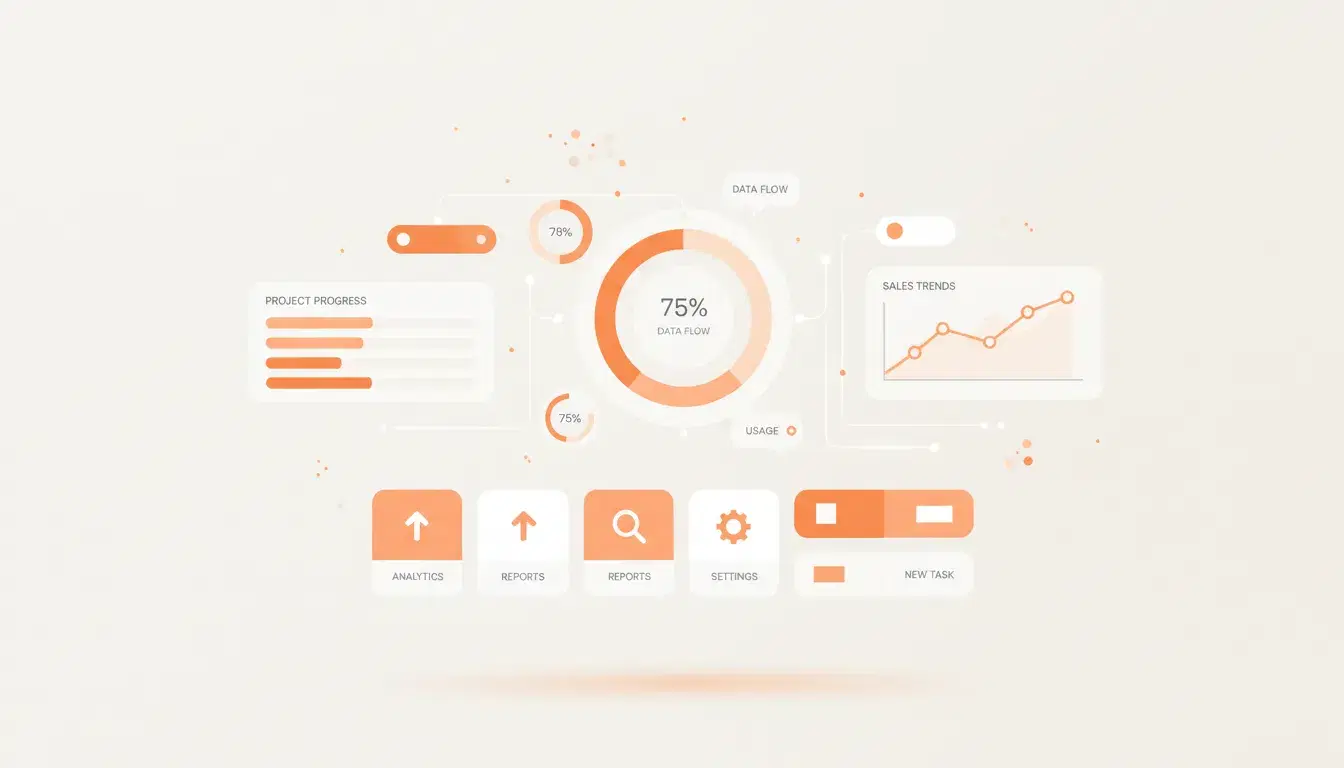
A web application does things. Users log in, manage data, complete workflows, make transactions, and interact with other users. Think booking systems, client portals, project dashboards, or internal tools that replace spreadsheets.
If your users need to log in and do something, you need a web application.
Signs You've Outgrown a Simple Website
Your team is managing critical business processes in spreadsheets. Clients are emailing you for information they should be able to access themselves. You're manually doing tasks that could be automated. Your current tools don't talk to each other, so you're copying data between systems.
These are all signals that a custom web application would save you time, reduce errors, and give your clients a better experience.
What Good Web Application Architecture Looks Like
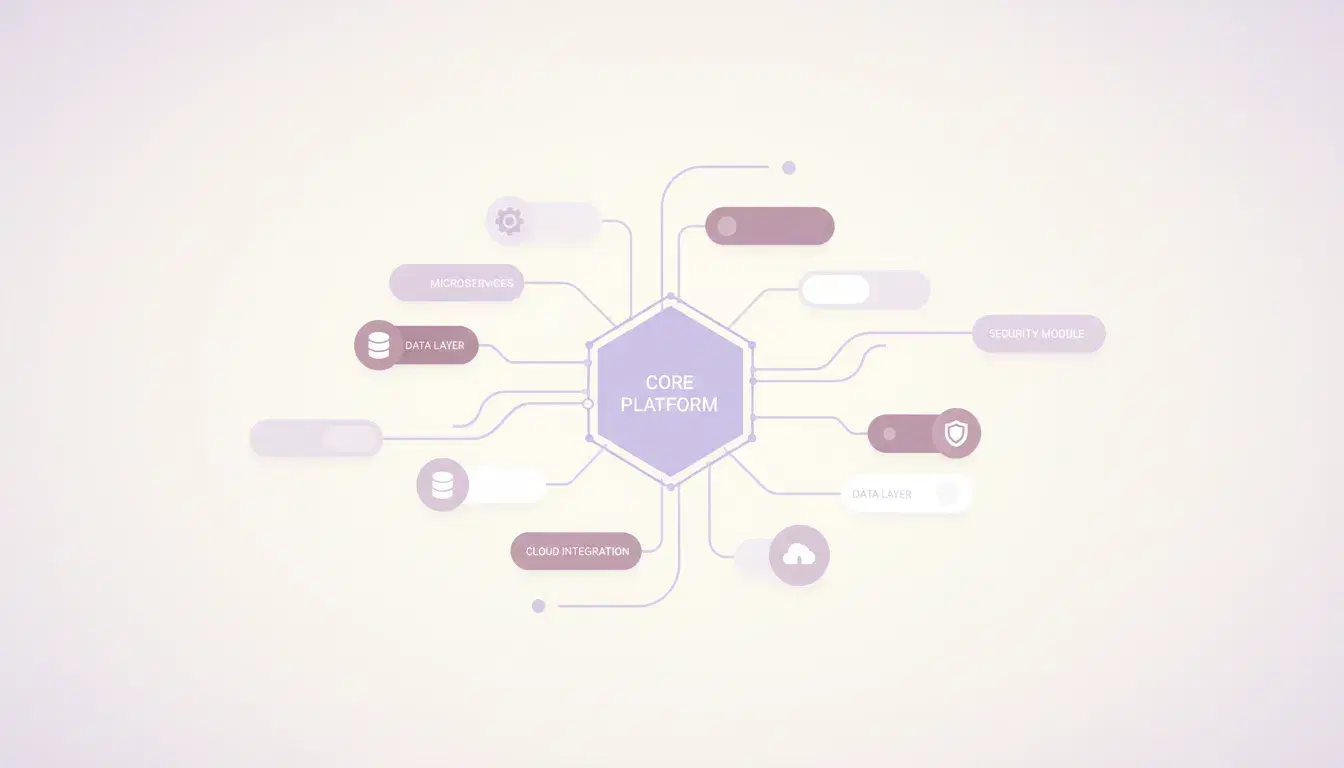
The best web applications share a few traits. They load fast because they only fetch the data the user actually needs. They handle errors gracefully instead of showing cryptic messages. They work offline or in low-connectivity situations when possible. And they scale without requiring a complete rebuild when your user base grows.
On the technical side, that means a modern framework (React, Next.js), a clean API layer, a well-designed database schema, and proper authentication and authorization. It also means writing tests, because a bug in a web application costs more than a typo on a website.
The Build vs. Buy Decision
Before building custom, always ask: does something already exist that solves 80% of the problem? Tools like Airtable, Notion, or industry-specific SaaS products might cover your needs at a fraction of the cost. Custom development makes sense when your workflow is genuinely unique, when you need tight integration with existing systems, or when off-the-shelf tools can't handle your scale.
Planning for Real Users
The most common failure mode for web applications is building what the team imagines users want instead of what users actually need. Start with the core workflow. Build the smallest version that delivers value. Get it in front of real users. Then iterate based on what you learn.
Feature creep is the enemy. Every feature you add increases complexity, maintenance burden, and the surface area for bugs. The best applications do a few things exceptionally well.
The Bottom Line
A web application is a bigger investment than a website, but when your business processes demand it, the ROI is significant. The key is scoping correctly, choosing the right technology, and resisting the urge to build everything at once. Start small, validate fast, and grow from there.

Yousef
Founder & CEO
Founder of SpiderWeb with over a decade of experience in web development and digital strategy for small and mid-sized businesses.
More about SpiderWeb →